Small Business Website Security: What Actually Matters
According to the SBA's cybersecurity guidance (opens in a new tab), cyberattacks are a concern for small businesses, and surveys show many owners feel vulnerable. If you're one of them, you're not being paranoid. You're being realistic.
But here's what most security articles won't tell you: the advice they give is often outdated, written for technology that's a decade old. If your website was built recently using modern tools, many of the threats you've heard about simply don't apply to you.
Let me explain what actually matters for your business website today.
Why Small Businesses Are Targets
You might think hackers only go after big companies with deep pockets. The opposite is true.
Small businesses are attractive targets precisely because they're easier to attack. Larger companies have security teams. Many small businesses do not.
Automated bots scan websites continuously for vulnerabilities. They don't check your revenue first.
The numbers are sobering. The FBI's 2024 IC3 Annual Report (opens in a new tab) shows 859,532 complaints and $16.6 billion in reported losses in 2024 alone. Threat volume is high, and smaller organizations are not excluded.
The business impact of security breaches includes downtime, lost revenue, and expensive recovery work for small businesses
This isn't meant to scare you. It's meant to get your attention. The good news is that protecting yourself isn't as complicated as the security industry wants you to believe.
The Problem With Most Security Advice
If you search for "website security tips," you'll find articles telling you to update your plugins, secure your database, install security plugins, and run malware scans.
This advice assumes your website runs on traditional technology - platforms that need constant maintenance, have databases that can be hacked, and run code on servers that attackers can exploit.
But modern websites don't work that way.
If your website was built with current technology - static site generators, modern frameworks, edge hosting - many traditional attacks simply can't happen. There's no database to inject malicious code into. There's no server running code that hackers can exploit. There are no plugins with security holes.
The question isn't just "is your website secure?" It's "how was your website built?"
What Actually Matters for Modern Websites
Here's what genuinely protects a business website today, regardless of how it was built:
1. Encrypted Connections (HTTPS)
This one hasn't changed. Every website needs an SSL certificate that encrypts data between your site and visitors.
When a customer fills out your contact form or enters payment information, encryption keeps that data private. Without it, anyone could intercept what they're sending.
Beyond protection, browsers now display "Not Secure" warnings on sites without HTTPS. Google ranks secure sites higher. Customers expect to see that padlock.
The good news: modern hosting platforms include this automatically. If you're paying extra for SSL, your hosting is outdated.
2. Security Headers
This is where modern websites really shine, and it's something most business owners have never heard of.
Security headers are instructions your website sends to browsers, telling them how to behave safely. They prevent clickjacking (where attackers overlay invisible elements on your site), stop your site from being embedded in malicious pages, and block certain types of code injection attacks.
Think of them as rules your website sets: "Don't load scripts from unknown sources. Don't let other sites frame my pages. Only connect over secure channels."
These headers work silently in the background. You'll never see them, but they're blocking attacks constantly.
3. Account Security
Here's an uncomfortable truth: the biggest security risk to your business website probably isn't hackers. It's passwords.
Your website itself might be secure, but what about the accounts that control it?
Your hosting login, domain registrar, DNS provider, and password-reset email are all high-value targets.
If any of these get compromised, an attacker can take over your entire online presence. According to a Chase survey (opens in a new tab), payment fraud and data theft - often enabled by compromised credentials - are among the top cyberthreat concerns for small businesses.
What actually helps:
- Use a password manager (not the same password everywhere)
- Enable two-factor authentication on every account that offers it
- Review who has access to your accounts quarterly
- Use a dedicated email for business-critical accounts
4. DNS Protection
Your domain name is how customers find you. If someone takes control of your DNS settings, they can redirect your website anywhere - including a fake version designed to steal customer information.
Good DNS providers offer protection against these attacks, including DNSSEC (which verifies DNS responses are legitimate) and protection against DDoS attacks that could take your site offline.
This is something your web provider should handle, not you. But you should know it exists and ask about it.
5. How Your Site Is Built
This is the factor most security articles ignore entirely.
Traditional websites - especially those built on popular content management systems - run code on a server every time someone visits. That code can have vulnerabilities. The database storing your content can be attacked. Plugins and themes can have security holes.
Modern websites built with current frameworks work differently. Many generate static files at build time. When someone visits your site, they're just downloading files. There's no code running, no database queries, nothing for attackers to exploit.
This architectural difference eliminates entire categories of attacks:
- SQL injection: Can't happen without a database
- Server-side exploits: Can't happen without server-side code
- Plugin vulnerabilities: Don't exist without plugins
- Malware injection: Can't modify files on immutable deployments
Traditional CMS vs Modern Static Architecture security comparison
Not every modern website works this way, but if yours does, you're inherently more secure than most of the internet.
What to Ask Your Web Provider
Whether you're working with an existing provider or considering a new one, here are the questions that matter (opens in a new tab):
About your site's architecture:
- How is my website built? Does it use a traditional CMS or modern static/serverless architecture?
- Where does my site actually run? Is it on a single server or distributed across a network?
- What happens if something goes wrong? Can you restore a previous version?
About security measures:
- Is SSL included, and do you handle the setup and renewal?
- What security headers are configured on my site?
- How is my site protected against DDoS attacks?
About access and recovery:
- What accounts do I need to protect, and where are they?
- If I got locked out of everything, how would we recover?
- Who has access to make changes, and how is that controlled?
If your provider can't answer these questions clearly, that's a red flag.
What a Breach Actually Costs
Security spending only makes sense in context. Here's what's at stake.
Cyberattack costs vary by incident type and company size, but they can escalate quickly once you factor in downtime, recovery, lost business, and reputation damage. For many small businesses, a major incident is financially disruptive.
But the costs aren't always dramatic. Sometimes it's a slow leak:
- Customers who don't trust a site that was previously compromised
- Search rankings that dropped after Google flagged your site
- Hours spent dealing with the aftermath instead of running your business
- The nagging uncertainty about what information was actually accessed
Prevention is genuinely cheaper than recovery here. Not by a little. By orders of magnitude.
What We Actually Do
When we build websites, security is architectural - not bolted on afterward.
Modern static architecture: Your site is pre-built files served from a global edge network. No server-side code running, no database to attack, no traditional vulnerabilities.
Automatic HTTPS: Every site gets encryption. We handle the certificates. You never think about it.
Security headers configured: Content Security Policy, HSTS, X-Frame-Options, and other protections are set up from day one.
Protected DNS: Your domain is protected against hijacking and DDoS attacks at the DNS level.
Version control: Every change to your site is tracked. If something goes wrong, we can restore any previous version instantly. This isn't a traditional backup - it's better.
Secure access: Two-factor authentication, limited access permissions, and clear documentation of who controls what.
We don't promise things we don't do. We don't run malware scans because there's no malware to scan for on static sites. We don't install security plugins because there are no plugins. The security comes from how the site is built.
The Bottom Line
Website security has changed. The advice that made sense ten years ago doesn't necessarily apply today.
If your website runs on older technology, you need the traditional security measures: regular updates, database protection, security plugins, malware scanning, frequent backups.
If your website is built with modern architecture, many of those concerns disappear. Your focus shifts to protecting the accounts that control your site and ensuring your provider has configured things properly.
Either way, the fundamentals remain:
- Encrypt everything (HTTPS)
- Protect your accounts (strong passwords, two-factor authentication)
- Know how your site is built and what that means for security
- Work with people who can answer your questions clearly
Not Sure Where You Stand?
If you're not sure how your website is built or whether it's properly protected, we can take a look. We'll explain what we find in plain terms and tell you what, if anything, needs attention.
Get a free security review: Contact us at info@ylx.ca
Analysis FAQ.
Why do hackers target small business websites?
Small businesses are attractive targets because they often have fewer security controls than larger organizations. Automated bots scan websites continuously for known vulnerabilities. Attackers usually look for easy entry points, not famous brands, which means smaller businesses are frequently in scope.
What security does my business website actually need?
Every business website needs: HTTPS encryption (SSL certificate), properly configured security headers, protected accounts with two-factor authentication and strong passwords, DNS protection, and secure architecture. Modern static websites are inherently more secure because there's no database to hack or server-side code to exploit.
Are modern websites more secure than traditional ones?
Yes. Modern static websites eliminate entire categories of attacks: SQL injection can't happen without a database, server-side exploits can't happen without server-side code, plugin vulnerabilities don't exist without plugins, and malware can't be injected on immutable deployments.
What is the average cost of a cyberattack on a small business?
Costs vary widely, but cyber incidents can become expensive quickly once you factor in downtime, recovery work, lost business, and reputation damage. Prevention is usually far less expensive than recovery.
Tagged with

Further Reading
Related Analysis.
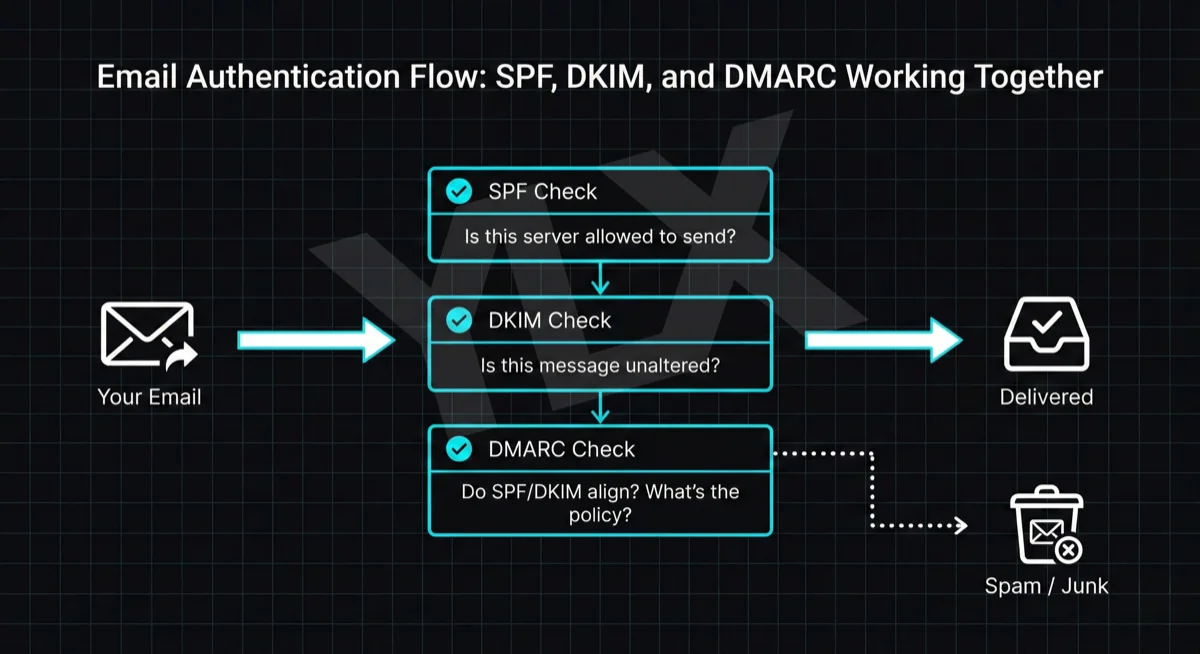
SPF, DKIM, and DMARC Explained: Email Authentication Setup
Learn what SPF, DKIM, and DMARC are, why Gmail and Microsoft now require them, and how to set them up with step-by-step DNS examples for common providers.
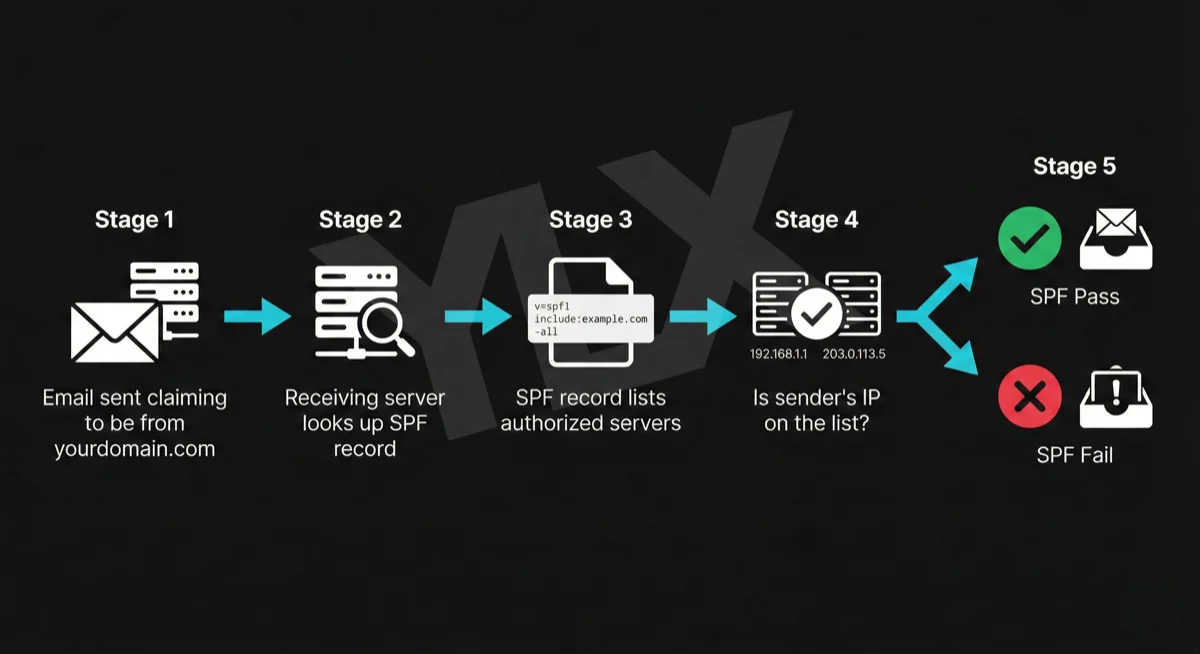
What Is SPF? The First Line of Email Authentication
SPF tells email providers which servers can send from your domain. Learn how it works, why Gmail and Microsoft require it, and how to set it up correctly.
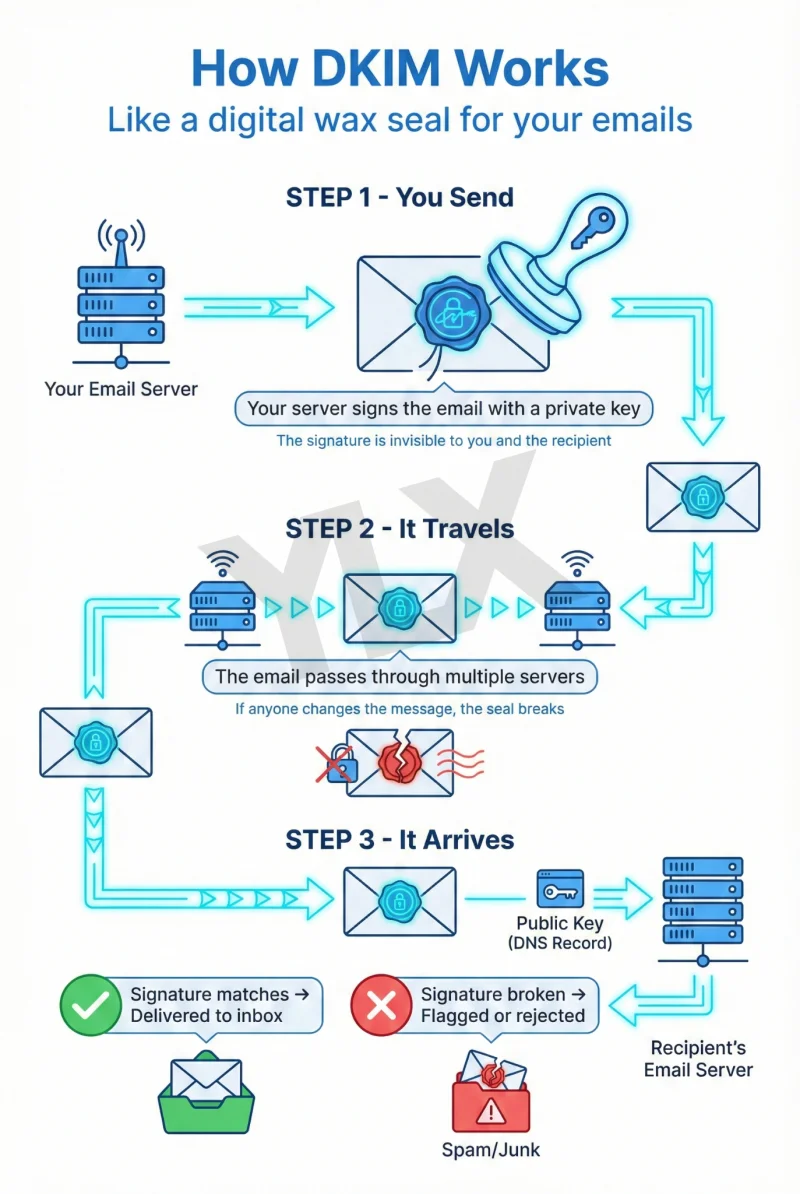
What Is DKIM? How Email Signatures Protect Your Business
DKIM proves your emails are genuine. Learn how this digital signature works, why Gmail and Microsoft now require it, and how to check if your domain has it.