Service Area Pages: Local SEO Without a Storefront
If your business serves customers across multiple cities but you only have one office, local SEO gets awkward fast.
You are relevant in places where you do real work, but Google Business Profile and your homepage can only communicate so much. That is where service area pages help.
A service area page is not a fake location page. It is a city- or region-specific page that explains how your business serves that area even though you do not have a storefront there.
Done properly, these pages can help you rank for local organic searches beyond your immediate address. Done badly, they turn into doorway pages that add no value and create risk.
What a Service Area Page Is
Service area pages are for businesses that travel to customers, serve clients remotely, or operate across a broader region from one base.
Examples:
- a landscaper based in one city serving nearby towns
- a contractor traveling across a metro area
- a consultant or web studio serving clients in several Ontario cities
These pages are different from physical location pages. A location page represents a real office or storefront. A service area page represents an area you actually serve.
That distinction matters because the page needs to be honest from the start.
Why These Pages Matter
People often search with local intent even when the business does not need a storefront in that city.
They search for:
- "kitchen renovation guelph"
- "managed it services london ontario"
- "web design kitchener"
If your site only talks about your head office city, Google has less reason to treat you as relevant in the surrounding places you serve.
Service area pages help close that gap by giving you a page that is actually about the city and the service together.
That does not mean every nearby town deserves its own page. It means the places that matter commercially and operationally should have a page if you can support it with honest local relevance.
What Google Says About Service Area Businesses
Google's official guidance for service-area and hybrid businesses (opens in a new tab) is straightforward:
- if you do not serve customers at your business address, hide the address
- define your service area using specific places, not a radius
- keep the service area realistic
That matters because many service businesses are not trying to win solely through the map pack. Their website often has to carry more of the local search load, especially in cities where they do not have a public-facing location.
That is exactly where strong service area pages earn their value.
The Biggest Risk: Doorway Pages
Google's spam policies (opens in a new tab) specifically warn against doorway abuse. One of the examples is pages targeted at specific regions or cities that all funnel users to the same destination without adding distinct value.
That means the lazy version does not work well:
- copy one page
- swap the city name
- repeat the same service list
- change almost nothing else
Those pages are easy to spot, hard to trust, and usually weak for both readers and search engines.
The useful version is different. Each page should help someone in that city understand:
- whether you actually serve them
- what you do there
- what kinds of projects or problems you handle
- why choosing you makes sense in that market
If the page cannot do that, it probably does not deserve to exist.
How to Build Service Area Pages That Hold Up
Start with your best cities
Do not try to cover every town within driving distance.
Start with the places where:
- you already have clients
- demand is strongest
- you can write with real local knowledge
- the service is commercially important
Three strong pages are better than thirty weak ones.
Use real local context
A good service area page should feel grounded in the place.
That might include:
- local project examples
- area-specific constraints or regulations
- neighborhood or district references that make sense naturally
- testimonials from clients in that area
- realistic service expectations for that city
This does not mean stuffing in landmarks or postal codes. It means writing like someone who has actually worked there.
For some businesses that may mean local project examples. For others it may mean common service questions in that city, travel expectations, typical building stock, industry mix, or buying patterns that differ from the head-office market.
Keep the structure consistent, not the copy
It is fine for service area pages to share a framework:
- intro for the city and service
- who you help there
- examples of typical projects
- FAQs
- CTA
What should not be duplicated is the substance. The words, examples, tradeoffs, and proof should change meaningfully from city to city.
Be honest about location
Do not imply you have an office where you do not.
If you are based in London and serve Guelph, say you serve Guelph. Do not write like you are headquartered there unless that is true.
That protects trust and keeps your page aligned with your Google Business Profile.
It also protects you from a common local SEO failure mode: pages that technically target a city but read like they were written by someone with no real relationship to it.
Link the page into the rest of the site
A service area page should not sit alone.
Link it to:
- the main service page
- relevant case studies or project examples
- your contact page
- nearby or related service area pages where appropriate
This helps the page feel like part of a real site structure instead of an isolated SEO landing page.
It should also line up with your Google Business Profile and your broader local SEO setup. If the business details, service descriptions, and target cities conflict, the page loses a lot of its trust value.
What to Put on the Page
The page does not need gimmicks. It needs useful signals.
Strong elements usually include:
- a title and intro that pair the service with the city naturally
- a clear statement that you serve that area
- examples of the kind of work you do there
- relevant photos or proof where available
- a local testimonial if you have one
- realistic service details, timelines, or constraints
- a CTA that fits the page's intent
If you use a map, make sure it helps the visitor understand coverage rather than just decorating the page.
What a Good Service Area Page Usually Answers
A strong page usually makes it easy for the reader to answer:
- do you actually serve my city?
- what kind of work do you do here?
- what makes your approach relevant for this area?
- how do I take the next step?
That is the user-value test. If the page cannot answer those questions, it usually slips toward SEO theatre instead of useful content.
How These Pages Fit Into the Rest of Local SEO
Service area pages do not replace your Google Business Profile, reviews, or citation work. They complement them.
A strong local setup usually combines:
- an accurate primary business profile
- clear service pages
- consistent business details across the web
- a focused set of service area pages for the places that matter most
That mix is usually stronger than overbuilding one part of the system while neglecting the rest.
This is also why NAP consistency still matters for service-area businesses. Even when your street address is hidden publicly, the rest of your contact details and business identity still need to look stable everywhere a customer checks.
What Not to Do
Avoid these common failures:
- making dozens of near-duplicate pages in one batch
- pretending each city has a physical office
- repeating the same generic claims everywhere
- stuffing city names into headings unnaturally
- writing pages for places you do not truly serve
Those shortcuts create weak pages now and cleanup work later.
How Many Pages You Actually Need
There is no official number.
The right answer depends on where you can deliver real value and real coverage. A business serving five cities seriously should usually have fewer, better pages than a business trying to mention twenty places lightly.
Ask:
- can we support this page with real local detail?
- do we actually want leads from this area?
- can we deliver there reliably?
If the answer is no, skip the page.
Another useful filter is maintenance. If you cannot realistically keep the page current, expand the right pages more deeply instead of publishing more thin ones.
What to Review After Publishing
Once the pages are live, review:
- whether they attract impressions for the intended city-plus-service queries
- whether visitors engage or leave quickly
- whether they generate relevant inquiries from those areas
- whether they still feel genuinely distinct from one another
That helps you separate pages that are supporting local growth from pages that are just adding maintenance load.
The Bottom Line
Service area pages work when they are honest, specific, and genuinely local.
They fail when they are mass-produced city-name swaps created only to capture search traffic.
If you serve multiple cities from one base, the right move is usually:
- publish pages only for meaningful service areas
- add real proof and real local detail
- keep them aligned with your Google Business Profile
- avoid anything that looks like a doorway template
That is how you build local visibility without pretending to be something you are not.
Need Help With Local SEO?
If you're not sure whether your city pages help or hurt, we can review them with you. We'll look at intent match, duplication risk, local proof, and internal-link structure, then explain what to fix in plain terms.
Get a free local SEO review: Contact us at [email protected]
Analysis FAQ.
What is a service area page?
A service area page is a location-specific page for a city or region you serve even though you do not have a physical office there. It explains the service, the place, and why your business is relevant to people in that area.
Are service area pages allowed by Google?
Yes, if they are genuinely useful. The risk comes when businesses mass-produce near-duplicate city pages that exist only to funnel visitors to one generic conversion page. Google's spam policies treat that as doorway abuse.
How many service area pages should I create?
Start with the cities you actually serve well and can write about honestly. It is better to publish a few strong pages with real local detail than dozens of thin pages with swapped city names.
Should service area businesses hide their address on Google Business Profile?
Yes, if you do not serve customers at that location. That is Google's official rule for service area businesses. When you follow it, your website and city-specific organic pages become even more important.
Tagged with

Further Reading
Related Analysis.
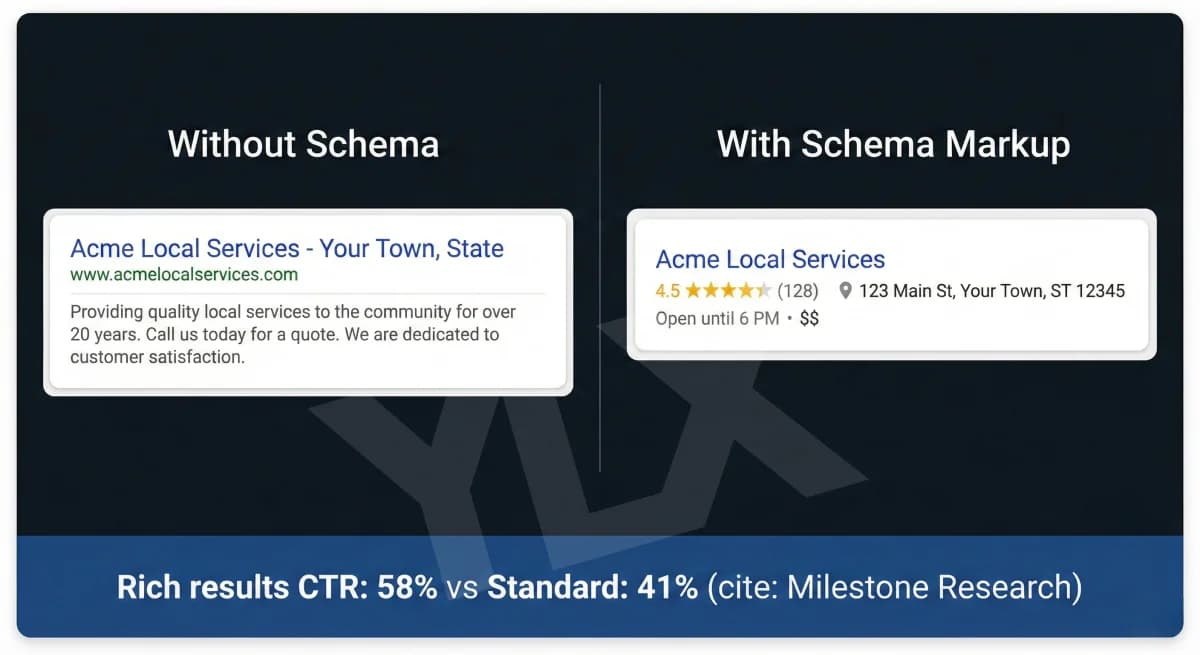
What Is Schema Markup? Structured Data for Local Business
Schema markup helps Google understand your business. Learn what it is, what properties matter, and how to add structured data to your local business website.
What Are Local Citations? Guide for Canadian Businesses
Local citations are mentions of your business details across directories, maps, and other sites. They support local trust when the information stays accurate.
How to Optimize Your Google Business Profile (2026 Guide)
Your Google Business Profile shapes local visibility and trust. Learn what Google says matters and how to keep the profile accurate and useful.