How to Optimize Your Google Business Profile (2026 Guide)
Your Google Business Profile is often the first thing a local customer sees before they ever reach your website.
If it is incomplete, inconsistent, or poorly maintained, you create doubt before the conversation even starts.
That is why profile optimization matters. Not because there is one secret trick, but because the profile shapes both visibility and trust.
What Google Says Matters
Google's own local ranking guidance (opens in a new tab) says local visibility depends on:
- relevance
- distance
- prominence
Everything you do with the profile should support one or more of those factors.
Start With the Primary Category
Your primary category is one of the clearest signals about what your business is.
If you choose a category that is too broad or slightly wrong, you make it harder for Google to match your profile to the right searches.
The simple rule is:
- choose the most specific accurate primary category available
- add secondary categories only if they reflect real services
Do not add categories just to fill slots.
This matters because category choice affects both visibility and clarity. If the profile says "Consultant" when the searcher needs "Family Lawyer" or "Emergency Plumber," the profile is simply less useful to the matching system and less useful to the person.
Keep the Core Details Accurate
A good profile should have:
- correct business name
- correct address or service-area setup
- correct phone number
- working website URL
- accurate hours
- relevant attributes where applicable
This sounds basic because it is. But many local profiles underperform because the basics are stale.
If the business changes hours seasonally, serves customers only by appointment, or operates as a service-area business, those details need to be reflected honestly rather than left implied.
Those details also need to match the rest of your public web presence. If your NAP details drift between the profile, the website, and key listings, Google and customers get different versions of the same business.
Complete the Parts Customers Actually Use
The profile should help a customer answer practical questions quickly:
- what do you do?
- where do you serve?
- are you open?
- how do they contact you?
- do you look legitimate?
That means the profile needs:
- a clear business description
- useful photos
- services or products where relevant
- current hours, including holiday changes
It also means writing for the buyer, not for an SEO checklist. The description should help someone understand what the business does, who it helps, and why it is relevant to their search.
If your profile description and your service pages tell different stories, fix that before you chase extra features. Local SEO usually gets stronger when the profile and site reinforce the same positioning clearly.
Reviews Matter for Trust and Prominence
Reviews do not just help with rankings. They help customers decide whether to contact you.
That is why the best review strategy is also the least gimmicky:
- ask real customers
- ask consistently
- make it easy
- respond professionally
A profile with a healthy review pattern and thoughtful responses usually looks stronger than one with long gaps or obvious neglect.
The quality of the response matters too. A generic "thanks for your feedback" on every review is better than silence, but it does not tell a future customer much. A reply that acknowledges the service, the situation, or the outcome feels more credible.
Reviews also help clarify relevance. Over time, a healthy review profile tends to reinforce what the business actually does, what customers value, and which services people connect you with most strongly.
Photos Are a Trust Signal
Photos help customers understand the business before they click.
You do not need a constant stream of professional photography. You do need images that make the business feel current and real:
- exterior or location context where relevant
- team or workspace photos
- examples of products or completed work
- branding that matches the business
For service businesses, project photos often do more work than stock-style team portraits. For storefront businesses, exterior and interior photos often reduce friction because they help people recognize the place before they arrive.
Service Areas, Storefronts, and Honesty
One of the easiest ways to weaken a profile is to blur the line between a storefront business and a service-area business.
If customers do not visit your location, follow Google's service-area guidance honestly. Hide the address when required and define the places you serve clearly. Then let the website do the extra explanatory work through strong service pages and service area pages.
Trying to imply a storefront where none exists may look like a shortcut, but it usually creates long-term trust problems instead.
What to Avoid
Do not waste time on tactics that make the profile noisier without making it more trustworthy.
Common mistakes include:
- irrelevant categories
- keyword stuffing in the business name
- inconsistent business details across the web
- neglected reviews
- outdated hours
- thin or generic photo coverage
Another mistake is treating the profile like a standalone property. If the profile looks polished but links to a weak, slow, or confusing website, trust drops right at the point where the customer wanted to go deeper.
What About Posts, Messages, and Extra Features?
Use extra profile features if you can maintain them well.
Posts can help communicate current offers, updates, or events. Messaging can help if you can respond reliably. Services and products can help clarify what you actually offer.
The rule is simple: enable the features you can keep accurate. Ignore the ones you will abandon.
That principle is more important than feature count. A simpler, well-maintained profile is stronger than a profile with every option enabled but half of them stale.
That is also a useful rule for services and products. Add them when they genuinely clarify the offer. Do not add endless duplicated items just to make the profile look busier.
How the Profile and Website Work Together
Your profile gets the first glance. Your website usually has to carry the second conversation.
That is why the two should reinforce each other on:
- services offered
- areas served
- business details
- visual identity
- trust signals
If they conflict, the local presence looks less coherent than it should.
That is why profile work is not a substitute for local SEO fundamentals. If the linked website is slow, vague, or structurally weak, the profile can only do so much. A good profile should hand the visitor to a site that confirms the same services, the same locations, and the same trust signals.
How to Audit a Google Business Profile
If you want a fast review, check:
- is the primary category correct?
- are the contact details accurate?
- does the profile describe the business clearly?
- do the photos feel current and credible?
- is the review pattern active and professionally managed?
- does the website linked from the profile support the same story?
That last point matters. The profile and the website should reinforce each other.
What Usually Creates the Biggest Gains
If a profile is weak, the first meaningful gains usually come from simple improvements done well:
- correcting the primary category
- cleaning up the business details
- improving the quality of the photos
- earning a steadier review pattern
- aligning the website with the profile
Those are not flashy moves, but they often improve both visibility and click confidence more than feature-heavy tinkering.
In many cases, the biggest gain is simply reducing contradiction. A correct category, clear services, current photos, and accurate business details usually outperform a noisy profile full of neglected extras.
What to Review Every Month
Profiles drift because businesses change.
A light monthly review is usually enough to catch the obvious problems:
- are the hours still right?
- do seasonal or holiday updates need to be added?
- is the website link still correct?
- are the newest reviews answered?
- are there better or more current photos to add?
- did the business change services in a way the profile should reflect?
That kind of upkeep keeps the profile credible over time.
If you also maintain local citations, this monthly review becomes easier because you can catch business-detail changes before they spread into multiple mismatched sources.
Why Consistency Beats Tactics
Most profile improvements do not come from one clever optimization. They come from maintaining a profile that keeps reflecting the real business accurately month after month.
That kind of consistency is hard for weaker competitors to fake. A maintained profile signals a maintained business.
The Bottom Line
Google Business Profile optimization is not about chasing hacks.
It is about making the business easier for Google to understand and easier for customers to trust.
If your profile is accurate, complete, and aligned with the rest of your web presence, you are doing the work that actually matters.
Need Help With Local SEO?
If you're not sure whether your profile is helping or holding you back, we can review it with you. We'll look at the category setup, business details, review posture, and website alignment, then explain what to fix in plain terms.
Get a free local SEO review: Contact us at [email protected]
Analysis FAQ.
What is Google Business Profile?
Google Business Profile is the listing system that controls how your business appears in Google Search and Google Maps. It includes your name, hours, contact details, reviews, photos, and more.
How do I rank higher in Google's Local Pack?
Google says local ranking depends on relevance, distance, and prominence. In practice, that means choosing the right category, keeping your profile accurate, building a trustworthy web presence, and earning real reviews.
How many categories should I add to my Google Business Profile?
Use the most specific accurate primary category, then add secondary categories only when they genuinely reflect services you offer. More categories are not automatically better if they weaken relevance.
Do Google Business Profile posts help with rankings?
Google does not say posts are a direct local ranking factor. They can still help users understand what is current, useful, or different about your business.
Tagged with

Further Reading
Related Analysis.
What Is Local SEO? A Guide for Small Business Owners
Local SEO helps your business appear when nearby customers search for your services. Learn how Google decides local visibility and what matters most.
Service Area Pages: Local SEO Without a Storefront
If you serve multiple cities from one base, service area pages can help you rank beyond your main location without creating doorway pages.
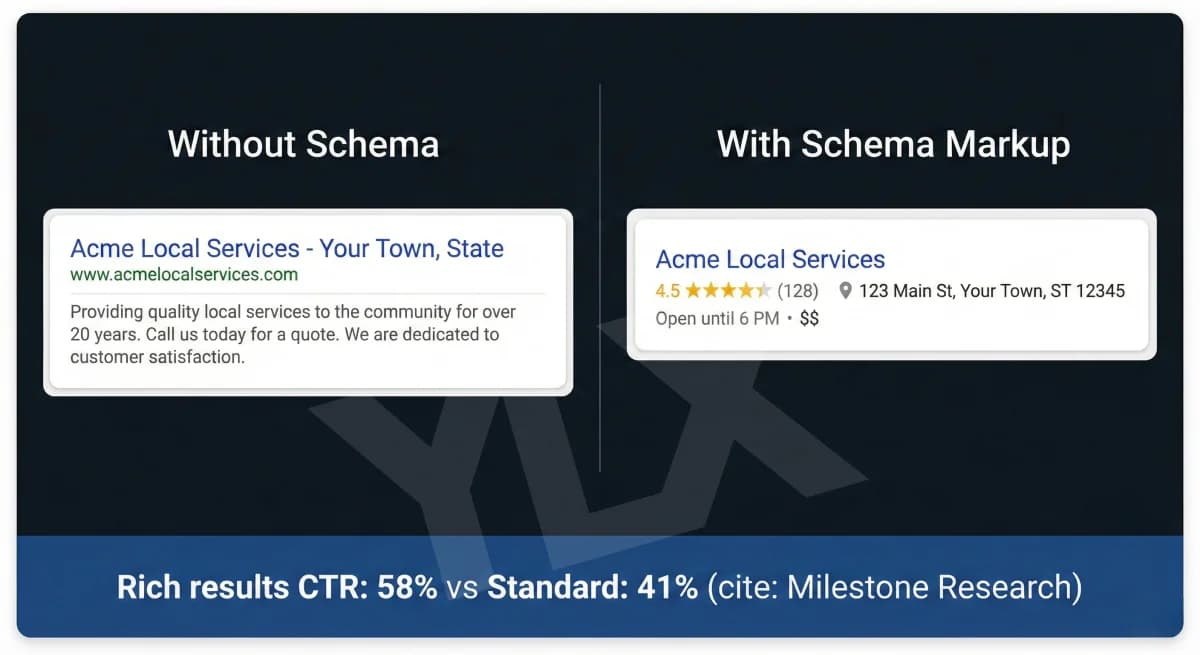
What Is Schema Markup? Structured Data for Local Business
Schema markup helps Google understand your business. Learn what it is, what properties matter, and how to add structured data to your local business website.