What Is WCAG? Web Accessibility Explained for Business
Some people can't use a mouse. Some can't see images. Some need screen readers to hear what's on the page. When your website doesn't account for these differences, those customers leave.
WCAG exists to prevent this.
According to CDC disability statistics (opens in a new tab), 1 in 4 American adults has a disability. Not all of those affect web use, but millions do.
That includes people who are blind or have low vision, people who are deaf or hard of hearing, people with motor impairments who navigate by keyboard, and people with cognitive differences that make cluttered interfaces difficult.
These are real customers. When your website works for them, you reach more people. When it doesn't, they go somewhere else.
WCAG is the standard that defines what "accessible" means for websites. Let me explain what it is, who it helps, and what it means for your business.
Who Benefits from Accessible Websites
Accessibility helps people with:
- Visual disabilities (blindness, low vision, color blindness)
- Hearing disabilities (deafness, hard of hearing)
- Motor disabilities (difficulty using a mouse, limited mobility)
- Cognitive disabilities (learning disabilities, attention disorders, memory issues)
But here's something that often gets missed: accessibility improvements help everyone.
Captions on videos help people in noisy environments. High contrast text is easier to read in bright sunlight. Clear navigation helps people in a hurry. Keyboard shortcuts help power users move faster.
And accessibility helps your business get found. Many accessibility best practices directly improve SEO.
Alt text helps Google understand your images. Proper heading structure helps Google understand your content. Clean, semantic code often loads faster and is easier to parse.
What WCAG Actually Is
WCAG stands for Web Content Accessibility Guidelines. It's a set of international standards developed by the World Wide Web Consortium (W3C) (opens in a new tab) that define how websites should be built so everyone can use them.
The current version is WCAG 2.2, released in October 2023. An earlier version, WCAG 2.1, is also widely used.
WCAG organizes accessibility around four principles, sometimes called POUR:
Perceivable. Users must be able to perceive the content. If all your information is in images with no text descriptions, a blind person using a screen reader can't access it.
Operable. Users must be able to operate the interface. If your navigation only works with a mouse, someone who can't use a mouse is locked out.
Understandable. Users must be able to understand the content and how to use the interface. Clear labels, helpful error messages, and consistent navigation all contribute.
Robust. Content must work with current and future technologies, including screen readers and other assistive tools.
Every specific guideline in WCAG ties back to one of these principles.
Conformance Levels: A, AA, and AAA
WCAG has three levels:
Level A is the minimum baseline. It addresses the most critical barriers.
Level AA is the recommended standard. It provides broader coverage and is what most organizations aim for.
Level AAA is the highest level. It's aspirational for most websites and not required by any regulation.
The practical target is Level AA. It strikes the balance between meaningful accessibility and achievable implementation.
What's the difference? At Level A, text needs a contrast ratio of 3:1. At Level AA, that increases to 4.5:1 for normal text, making content significantly more readable for people with low vision.
The Business Case for Accessibility
The returns come from multiple sources:
Reaching more customers. Millions of people have disabilities that affect how they use the web. Make your site work for them, and they'll stay.
Better experience for everyone. Accessibility improvements like clear navigation, readable text, and logical structure benefit all users.
Improved SEO. Alt text helps image search rankings. Heading structure helps Google understand content organization. Fast-loading, clean code improves your Core Web Vitals scores (we cover what Core Web Vitals are and why they matter in another post).
Lower friction. Users can complete tasks with fewer errors, less confusion, and less abandonment.
Web accessibility benefits: reach customers with visual, hearing, motor, and cognitive disabilities, $6 trillion global market, better experience for all users, improved SEO and business returns
Common Issues (And How to Fix Them)
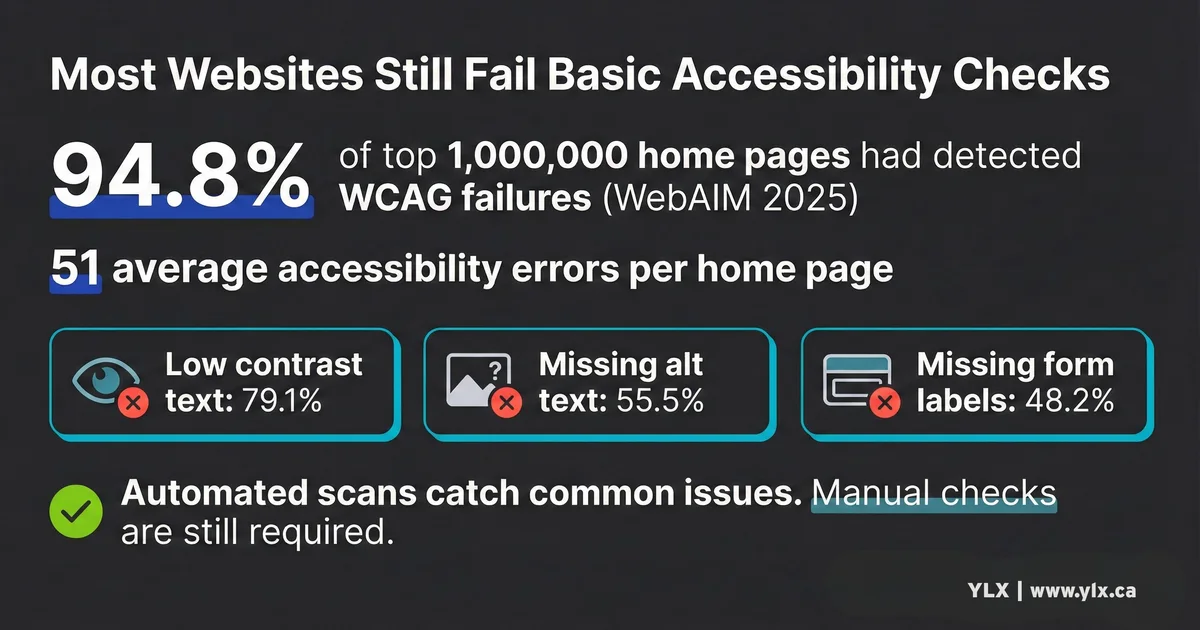
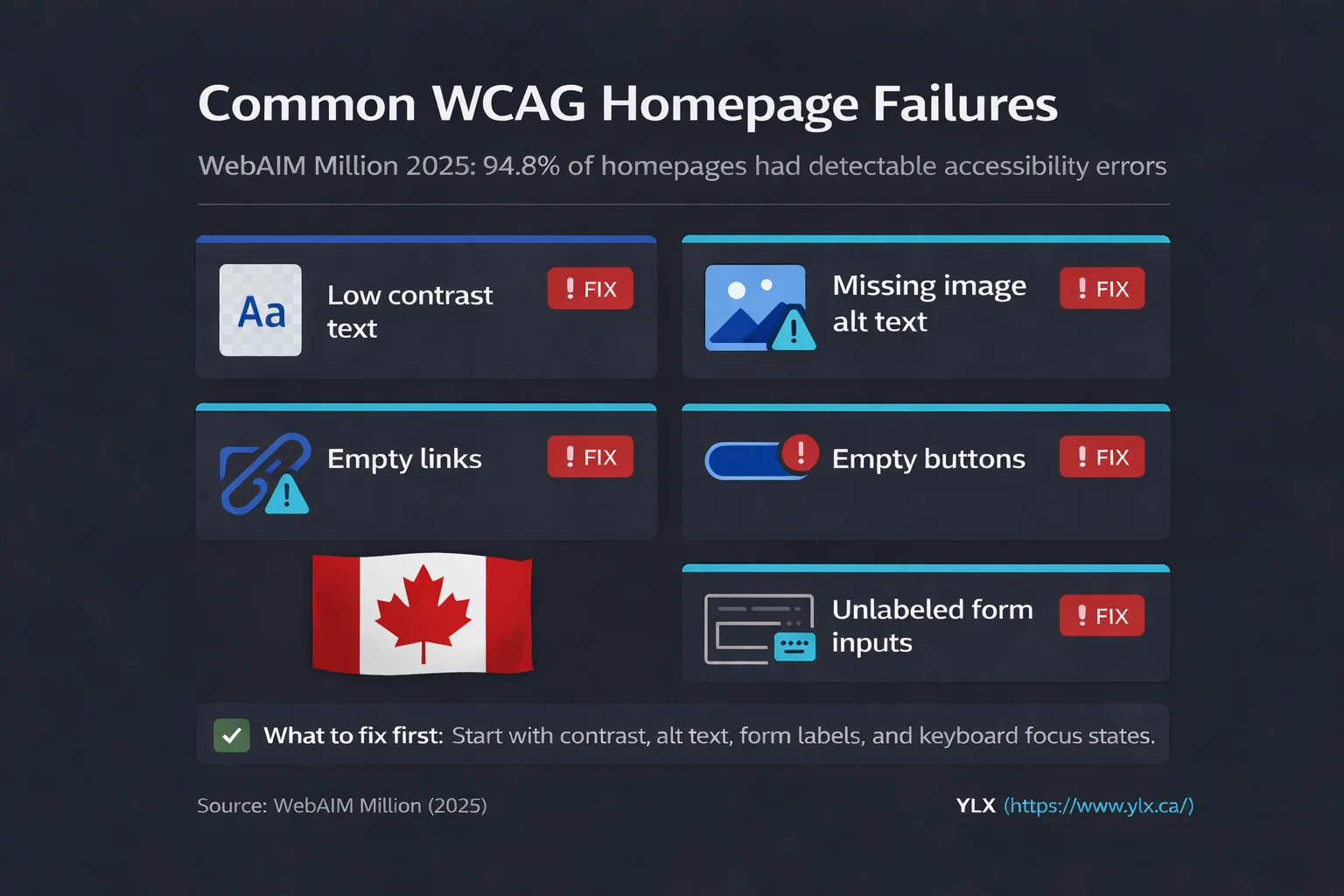
The WebAIM Million report (opens in a new tab) analyzes accessibility on the top one million websites every year. In 2025, 95.9% of home pages had detectable issues. That sounds discouraging, but here's the opportunity: the same six issues have been the most common for five consecutive years. Fix these, and you're ahead of most websites:
1. Low contrast text (79% of sites). Text that's too similar in color to its background.
Light gray on white is a common example. This makes content hard to read for users with low vision.
2. Missing alt text on images (55% of sites). Images without text descriptions. Screen readers can't tell blind users what the image shows.
3. Missing form labels (49% of sites). Form fields without proper labels. Screen reader users can't tell what information to enter.
4. Empty links (45% of sites). Links with no text inside them. Screen readers announce "link" but can't say where it goes.
5. Non-descriptive link text (35% of sites). Links that say "click here" or "read more" without context. Screen reader users navigating by links hear a list of "click here, click here, click here" with no idea what each link does.
6. Missing document language (19% of sites). The HTML doesn't specify what language the page is in. Screen readers may mispronounce content.
These issues are fixable. Many are straightforward once you know what to look for.
Six most common WCAG failures: low contrast text 79%, missing alt text 55%, missing form labels 49%, empty links 45%, non-descriptive links 35%, missing language 19%
How to Check Your Website
Start with free tools that catch the most obvious problems.
WAVE (opens in a new tab) is a browser extension from WebAIM.
Enter your URL or install the extension, and it highlights issues with colored icons. Red means definite errors. Yellow means warnings to review. It's visual and beginner-friendly.
axe DevTools (opens in a new tab) is another browser extension that provides more technical detail. It's slightly more complex but catches additional issues and prioritizes them by severity.
WebAIM Contrast Checker (opens in a new tab) tests whether your text colors meet the 4.5:1 contrast ratio requirement. Enter your text and background colors and get an instant pass/fail.
Keyboard testing. Try navigating your site using only the Tab key.
Can you reach all buttons and links? Can you see where you are on the page (is there a visible focus indicator)? Can you activate everything with Enter or Space? If not, keyboard users and many screen reader users can't use your site.
Important caveat: Automated tools catch only about 30% of accessibility issues. They're a starting point, not a complete audit. A full assessment requires manual testing and ideally testing by actual users with disabilities. Our guide on how to test your website for accessibility covers the full process, including free tools and manual checks you can do yourself.
What to Fix First
If you're starting from zero, prioritize in this order:
1. Add alt text to images. Every meaningful image needs a text description.
Keep it concise (under 125 characters) and describe what the image communicates, not just what it shows. Decorative images that add no information should have empty alt text (alt="") so screen readers skip them.
2. Fix color contrast. Run your text through a contrast checker. If it fails, darken the text or lighten the background until you hit 4.5:1 for normal text, 3:1 for large text.
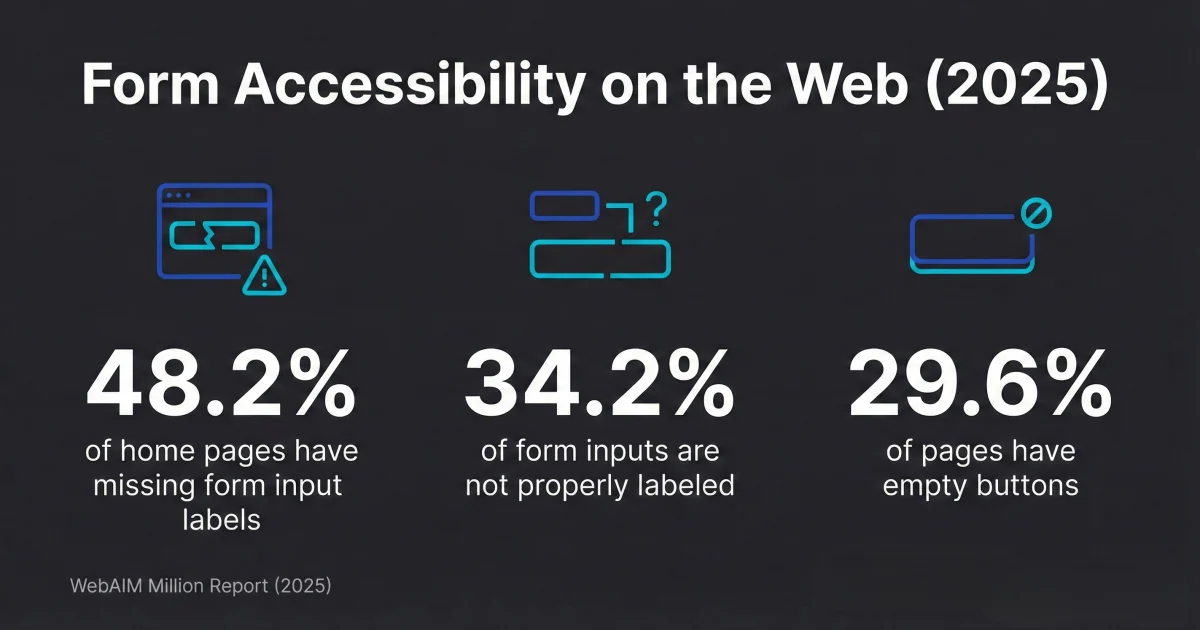
3. Label your forms. Every input field needs a proper label that's programmatically connected to it. "Email address" should be a label element associated with the email input, not just text sitting near it. Our guide on building accessible forms covers labels, error handling, and keyboard navigation in detail.
4. Make links descriptive. "Learn more about our services" tells users where they're going. "Click here" does not.
Screen reader users often navigate by pulling up a list of all links on a page. Make sure that list makes sense out of context.
5. Ensure keyboard navigation works. Tab through your entire site.
Every interactive element should be reachable. Focus should be visible. Tab order should follow visual order.
6. Add the document language. In your HTML, specify the language: <html lang="en">. This takes seconds to fix.
These six fixes address the most common issues and make a real difference for users with disabilities.
What We Build
Every website we create follows WCAG 2.2 Level AA guidelines from the start. Accessibility isn't something we bolt on at the end. It's built into our process.
That means:
- Proper heading structure so screen readers can navigate content
- Sufficient color contrast throughout the design
- Alt text on all meaningful images
- Keyboard-accessible navigation and interactions
- Labeled form fields that work with assistive technology
- Focus indicators that show keyboard users where they are
We test with automated tools and manual keyboard navigation. We build on modern frameworks that support accessibility features natively.
Accessibility and site performance often go together. Clean, semantic code that's accessible is also code that loads fast and ranks well. Our post on why Core Web Vitals matter for business explains how speed affects your search rankings. You don't have to choose.
A Note on Legal Requirements
WCAG is also referenced by laws, including the Americans with Disabilities Act in the US and the European Accessibility Act in the EU. In Ontario, the AODA requires WCAG 2.0 Level AA for businesses with 50 or more employees. We wrote a full breakdown of AODA compliance and what Ontario businesses need to know.
If you have specific concerns about compliance, consult an attorney. From a technical standpoint, building to WCAG 2.2 Level AA covers what regulations typically require.
The Bottom Line
WCAG is the international standard for building websites that work for everyone. Level AA is the practical target.
The case for accessibility is straightforward:
- Millions of people have disabilities that affect how they use the web. Accessible sites can serve them.
- Better for everyone. Accessibility improvements like clear navigation and readable text help all users.
- Better for SEO. Many accessibility practices directly improve search rankings.
The most common problems are fixable. Six issues account for the vast majority of failures, and all six have straightforward solutions.
Automated testing is a good start, but it only catches about 30% of issues. Manual testing with keyboard navigation gets you further. The goal isn't perfection. It's progress.
Your website should work for everyone. That's good for your customers and good for your business.
Not Sure If Your Site Is Accessible?
If you're not certain whether your website meets WCAG guidelines, we can take a look. We'll run automated tests, check keyboard navigation, and explain what we find in plain terms.
Get a free accessibility review: Contact us at info@ylx.ca
Analysis FAQ.
What is WCAG?
WCAG stands for Web Content Accessibility Guidelines. It's a set of international standards developed by the W3C that define how websites should be built so everyone can use them, including people with visual, hearing, motor, and cognitive disabilities.
What are the WCAG conformance levels?
WCAG has three conformance levels: Level A (minimum accessibility), Level AA (addresses major barriers, the standard most laws reference), and Level AAA (highest accessibility, often impractical for entire sites). Most businesses should aim for Level AA compliance.
Is web accessibility legally required?
In many cases, yes. In the US, the ADA has been interpreted to cover websites. In Ontario, the AODA requires WCAG 2.0 Level AA for organizations with 50 or more employees. The EU's European Accessibility Act is also in effect. Accessibility-related lawsuits have increased significantly in recent years.
How does accessibility help SEO?
Many accessibility practices directly improve SEO. Alt text helps Google understand images, proper heading structure helps Google understand content, clean semantic code loads faster and ranks better, and transcripts for videos provide additional indexable text content.
Tagged with

Further Reading
Related Analysis.
Accessible Contact Forms: Build Pages That Work for Everyone
Nearly half of top websites have unlabeled form fields. Learn how to build accessible web forms with proper labels, error handling, and keyboard support.
How to Test Your Website for Accessibility (Free Tools)
Most websites fail accessibility checks. Use these free tools and manual tests to find high-impact issues, prioritize fixes, and improve your site's usability.
AODA Website Accessibility Rules for Ontario Businesses
Ontario's AODA sets accessibility rules by organization size. Learn who needs WCAG 2.0 AA websites, who files reports, and the key 2026 filing deadlines.